3D football coaching
Help young players see their options.
Turn a football situation into a clear 3D animation. Show the run, time the pass, then explore another choice together.
Try the visualizer in your browser. Create an account to save your scenarios.
Web & mobile apps →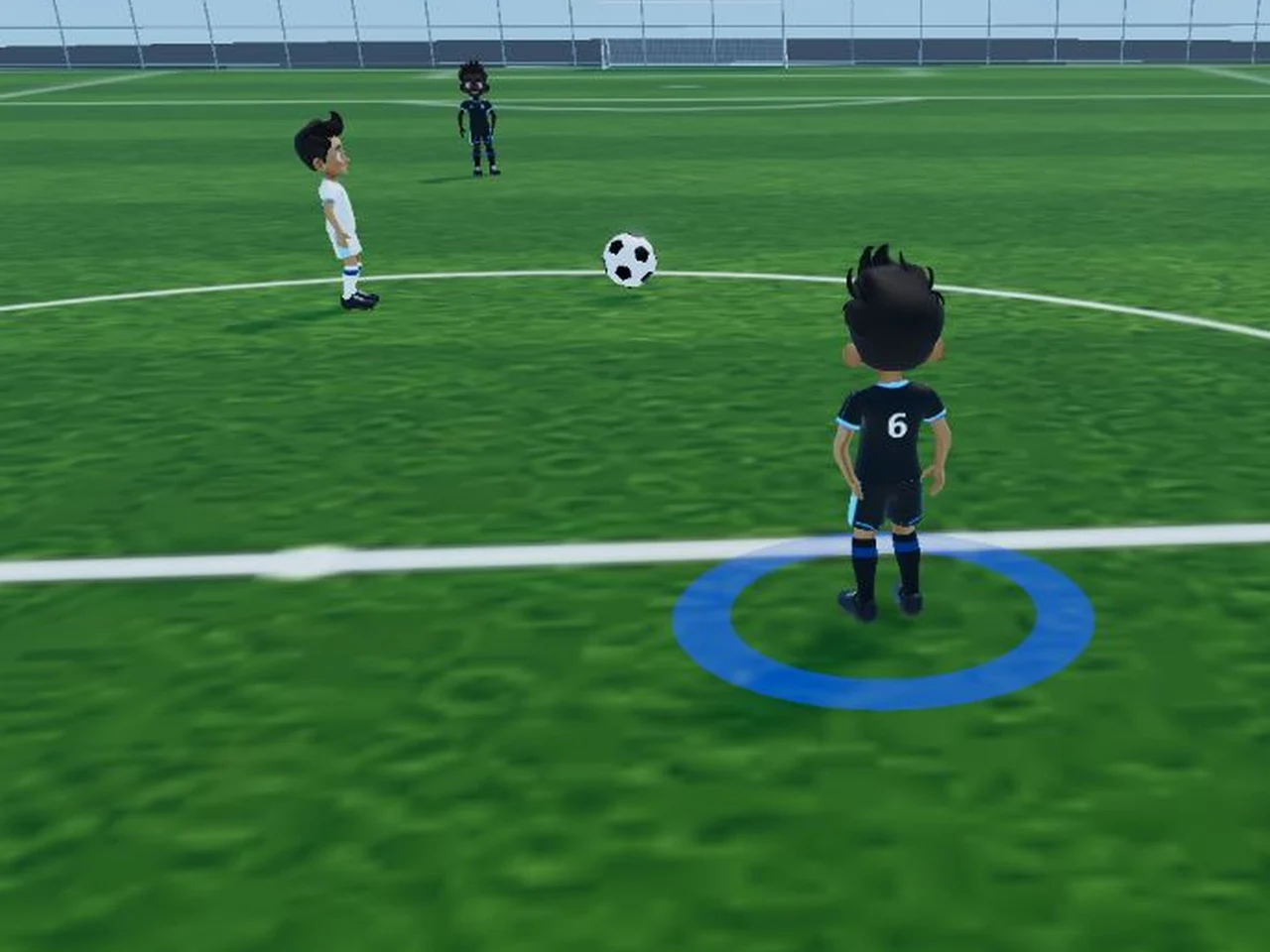
From a coaching idea to a conversation.
Recreate a moment from training or a match. Let players watch it unfold, pause at the decision point and explain what they would do next.
Set up the situation
Place your players and the ball. Use the overhead view to make the starting positions and spacing clear.
Bring the play to life
Add movement and actions on the timeline. Adjust the timing, press play and review from a useful angle.
Explore another option
Create branches from the same moment. Compare a pass with a run into space and discuss what each choice changes.
Watch and follow along
Your first animated play, step by step.
See how to place players, animate a simple move and save your scenario. Follow the highlighted controls, then try it in KickViz.
Videos are narrated in English. Written guides are available alongside them.
Inside KickViz
Show the details that make a difference.
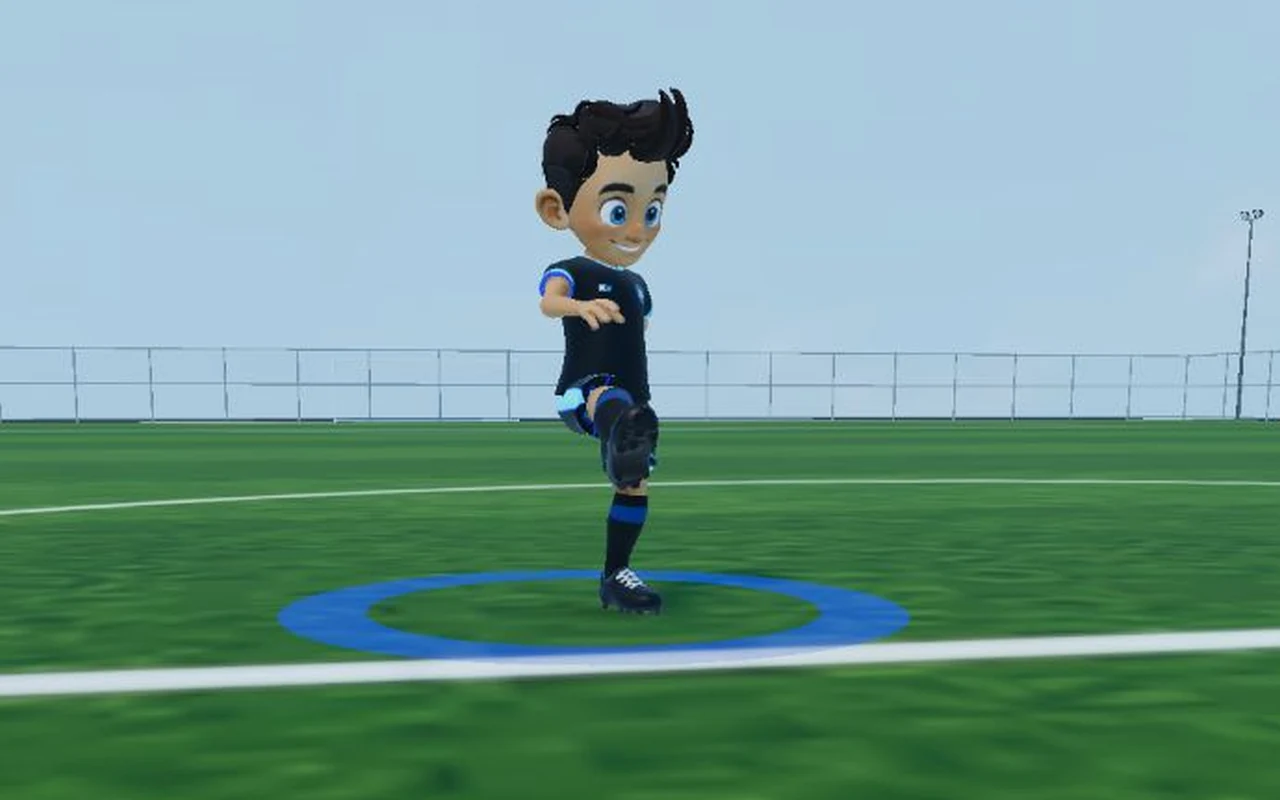
Make movement easy to follow
Show player actions in 3D, then replay the moment you want to discuss.
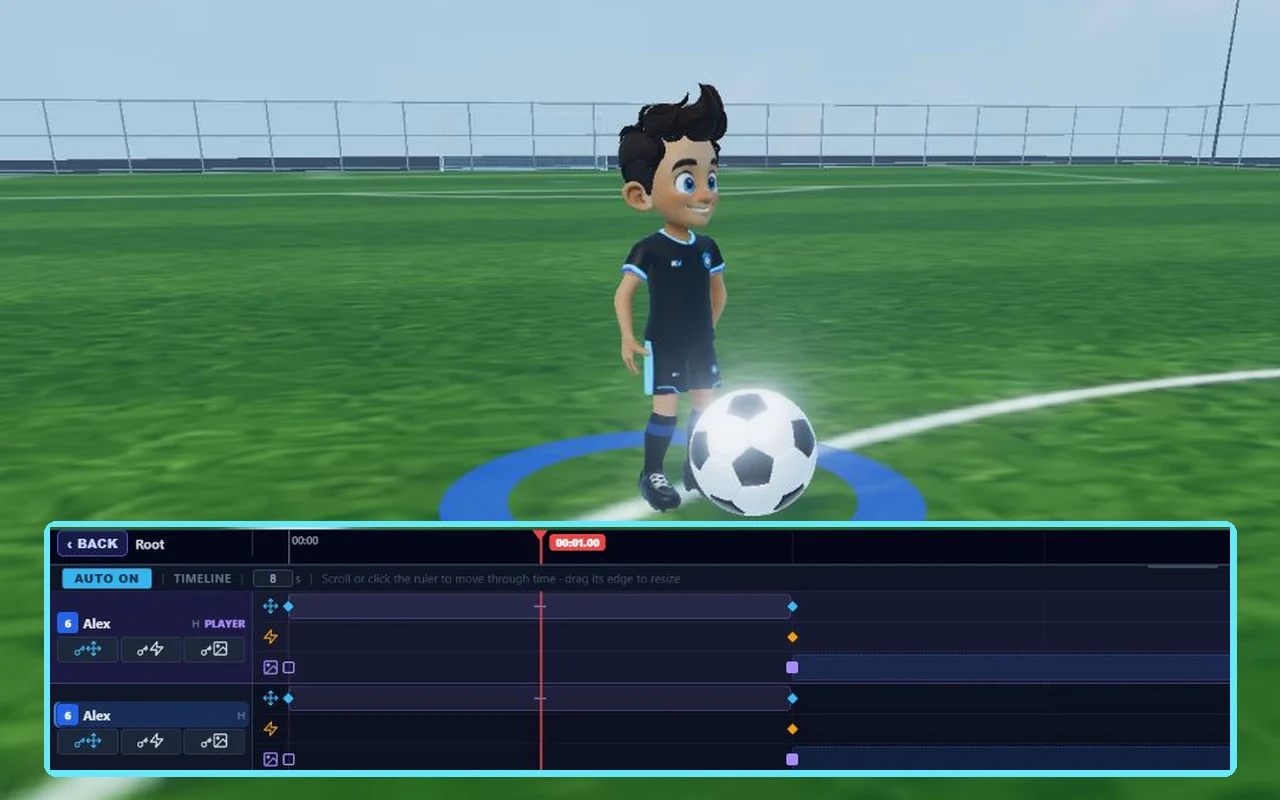
Give every move its moment
Use the timeline to coordinate runs, passes and actions. Scrub through the sequence to check the timing.
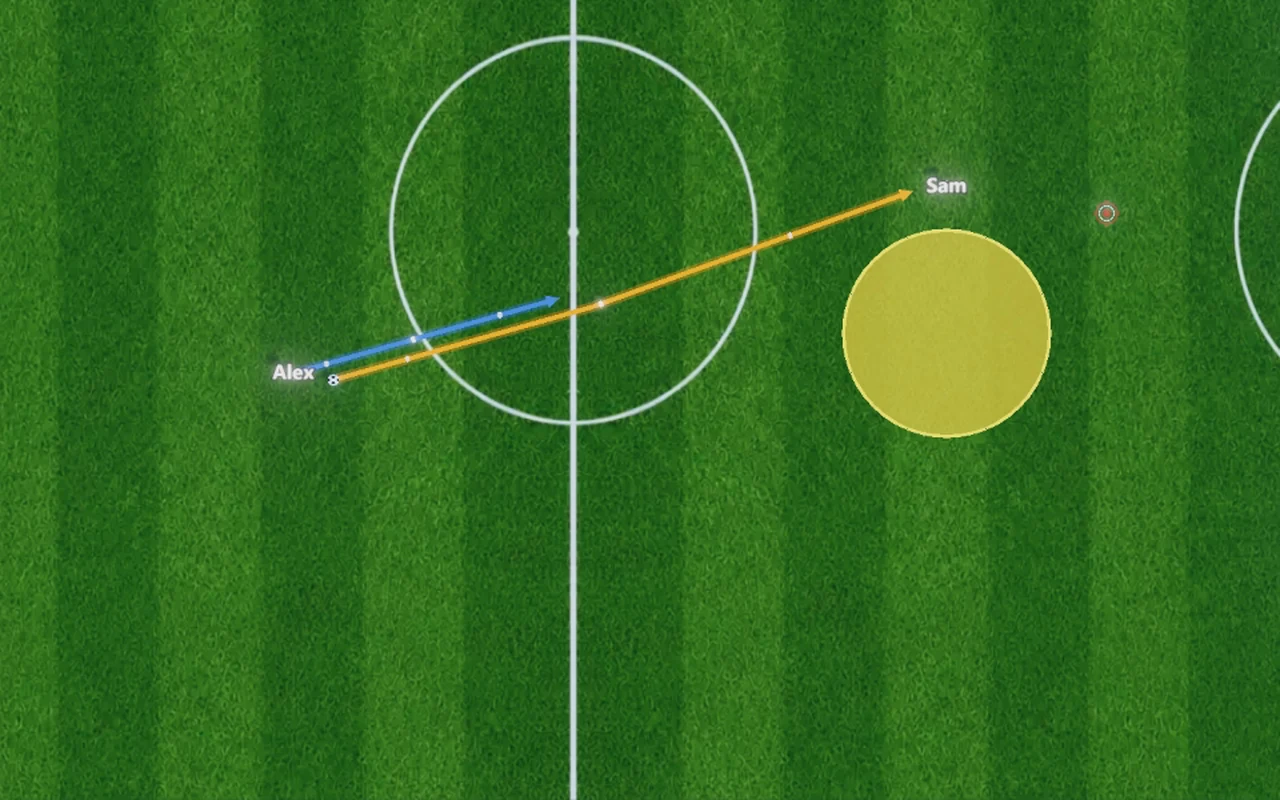
Point out the space
Use arrows, zones and targets to focus attention on a passing lane or an area to move into.
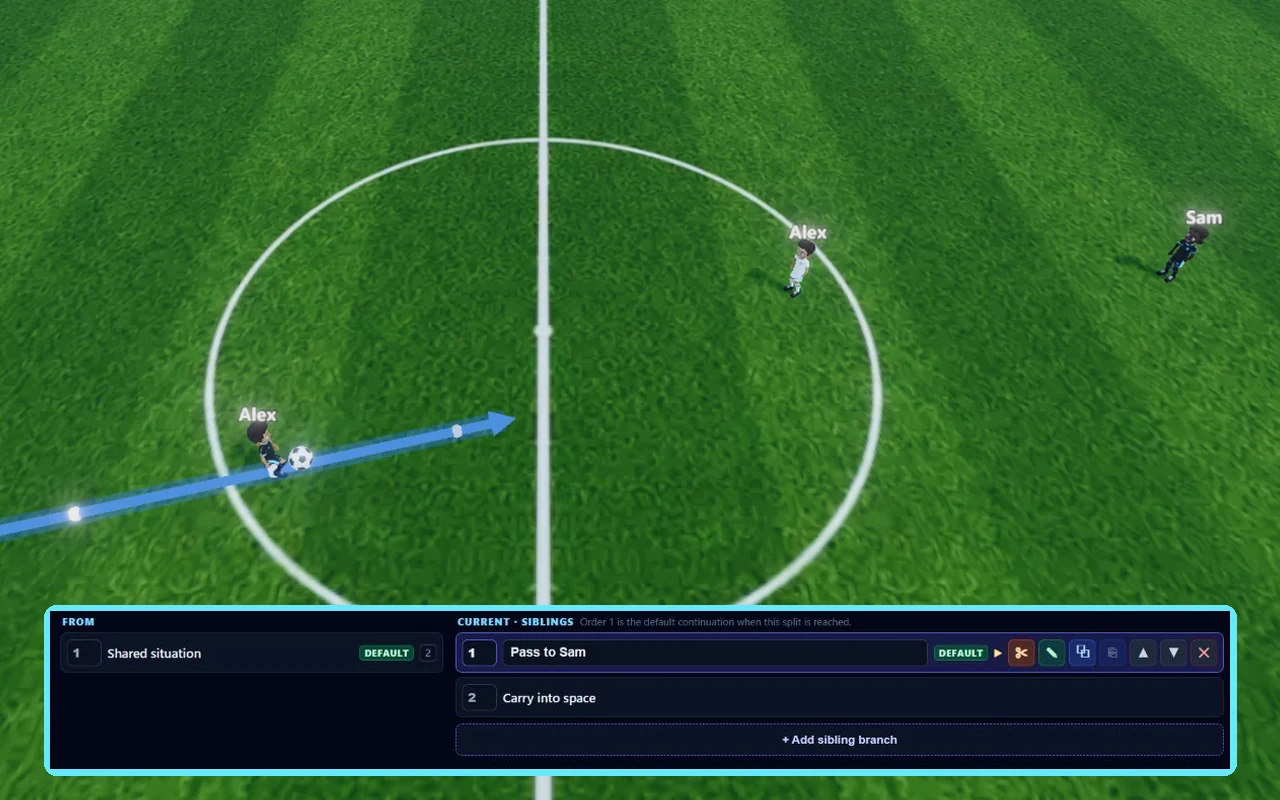
One situation. More than one answer.
Branch the scenario to try different decisions. Pause, ask what the player sees, then compare the alternatives.
Tools for your next coaching session
Alternative scenarios
Build a shared starting situation, then branch into different options. Keep each continuation in the same scenario.
Movement and actions
Set positions and timing, shape movement paths, and add kicks, headers or other player actions.
2D and 3D views
Arrange spacing from above. Pan, orbit and zoom to explain the same play from a different angle.
Ball and visual aids
Show possession and passes. Add cones, targets and zones to make the focus of an exercise clear.
Your team, your players
Use your squad’s names, numbers and kits. Personalise avatars with skin tones, eye options and hairstyles.
Save and share
Build a library of scenarios to revisit. Share with other coaches or make a scenario public.
WEB + MOBILE
Your tactics, wherever you coach.
Use KickViz on the web from any device with a compatible browser — phone, tablet or computer.
Take KickViz on the go. Save scenarios, teams and downloaded assets on your device, then sync your changes when you reconnect.
Mobile offline use requires assets to be downloaded first. Sign-in, platform sync and online videos require a connection.
What could your players see differently?
Start with one situation from your next session. Build it, play it through and explore the options together.